How to watch World Tennis League Final live in the UK, USA and Australia featuring Nick Kyrgios, Paula Badosa and Gael Monfils
Tennis News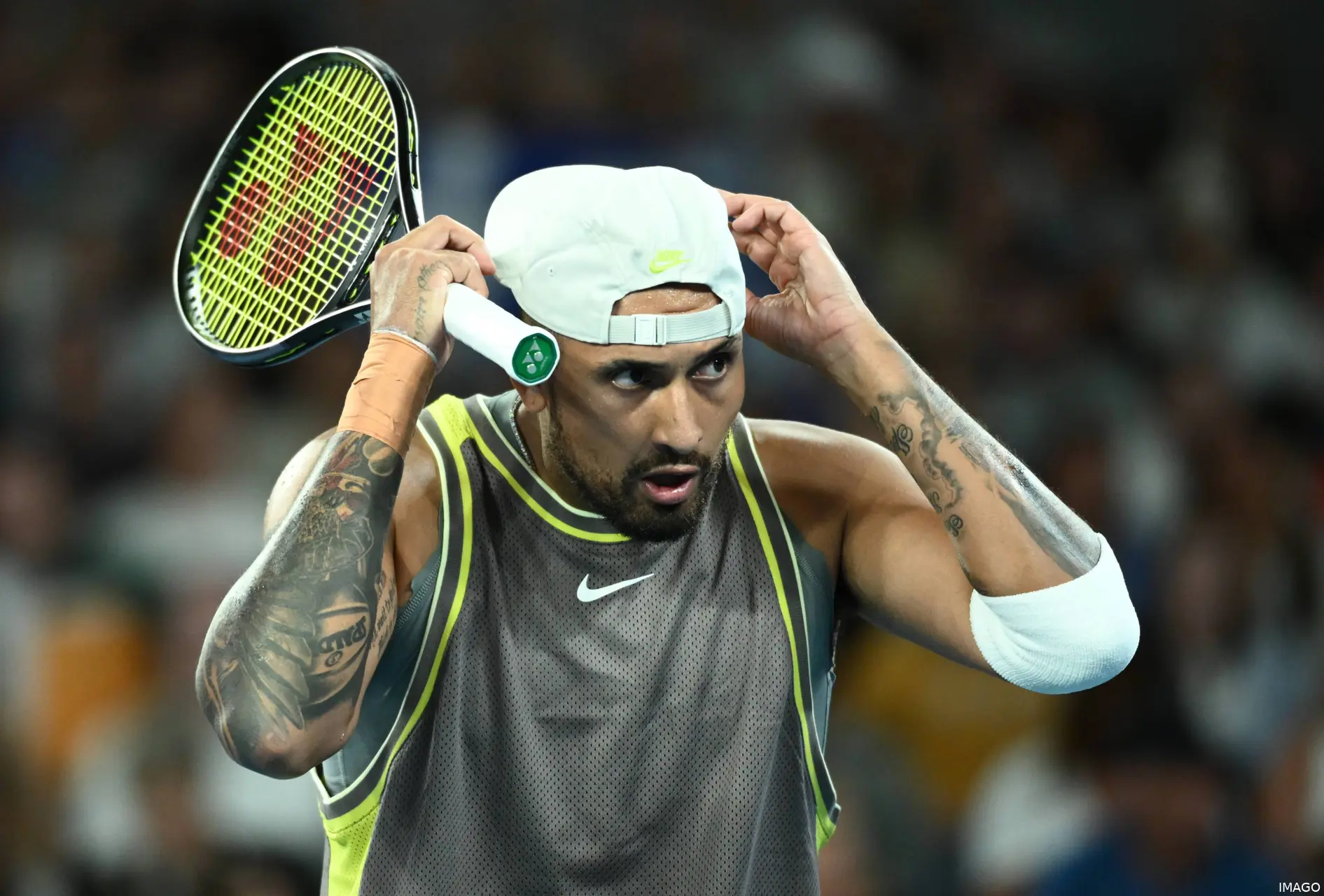
Another week, another major exhibition as the World Tennis League (WTL) moves to a new home at the SM Krishna Tennis Stadium in Bengaluru, India, and can be viewed worldwide as the world's best lock horns again ahead of the 2026 season.
The event will be shown on Tennis Channel from around 8:30 am ET (1:30 pm GMT / 2:30 pm CET and 12:30 am AEST). It can be found worldwide on a subscription basis, including in the UK.
Currently, the Tennis Channel International app has been discontinued as of September 30, 2025. This is just a temporary change but still means that the channel can be found using other routes in locations such as the UK. It will begin daily coverage on Tennis Channel 2 and the Tennis Channel App with replays scheduled for the following day.
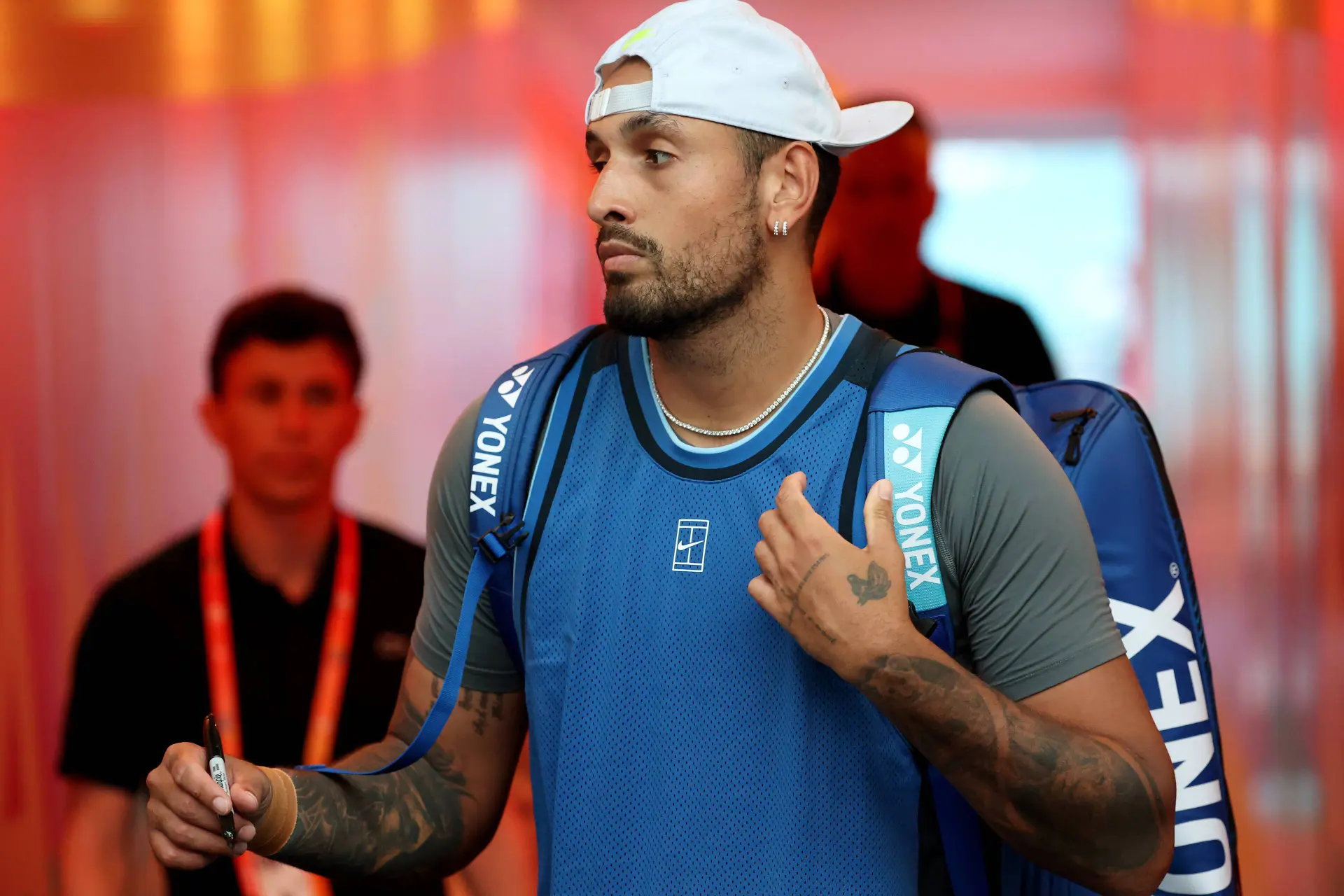
Nick Kyrgios will lead The Kites against Denis Shapovalov's Hawks in the opening tie, with a special hard court devised at the stadium for this unique team event.
It will be a star-studded line-up featuring four teams: The Eagles (led by Gaël Monfils and Paula Badosa), The Falcons (featuring Daniil Medvedev and Magda Linette), The Hawks (with Shapovalov and Elina Svitolina), and The Kites (starring Kyrgios and Marta Kostyuk). Each tie consists of four sets—men’s singles, women’s singles, and two doubles—with a Super Shootout in the case of a tie.
The matches will be played from December 17–20, with two ties per day, culminating in the final on Saturday.
How to watch World Tennis League internationally
Amazon Prime
- Open the Prime Video app or visit the Amazon Prime Video website
- Navigate to the Live TV section
- Select Sports from the categories
- Scroll to find and select Tennis Channel
LG (LG Channels / LG TV Plus)
- Turn on your LG Smart TV
- Press the Home button on your remote
- Launch the LG Channels app or select Live TV from the launcher bar
- Browse the channel guide or use the search function to find and select Tennis Channel
Rakuten TV (UK)
- Open the Rakuten TV app or visit rakuten.tv
- Navigate to the “Live TV” section
- Select "Sports" under the favourites tab on the left side and then scroll through the channel guide or use search to find Tennis Channel
Samsung (Samsung TV Plus)
- Turn on your Samsung Smart TV
- Launch Samsung TV Plus using the remote button or from the Home menu
- Navigate the channel guide or use the search function
- Select Tennis Channel
FreeLiveSports (SportTribal)
- Open the "FLS - Live Sports" app or visit watch.freelivesports.tv
- Select "Racquet" from the featured categories
- Scroll to find and select Tennis Channel
NetgemTV (SportTribal)TCL (TCL Channel / Free TV)
- Turn on your TCL TV (Note: Steps may vary slightly by operating system, e.g., Roku or Google TV)
- Press the Home button and open the “Live TV” or “TCL Channel” app
- Use the channel guide to find and select Tennis Channel

Cristhián AvilaTennis Journalist
Cristhián Ávila is a tennis journalist based in Santiago, Chile, and has been part of the TennisUpToDate team since early 2023. He covers the ATP and WTA Tours as well as all four Grand Slams, producing breaking news, match reports, analysis, and regular liveblogs from major tournaments.
His reporting combines statistical analysis with clear explanation, helping readers understand tactical developments, player form, and broader storylines across the tour. Working fluently in both Spanish and English, Cristhián collaborates with an international editorial team and contributes to comprehensive global coverage. As part of his work, he has conducted interviews and media interactions with leading figures in the sport, including Caroline Wozniacki and John McEnroe.
In his journalism, Cristhián places strong emphasis on careful sourcing, editorial accuracy, and updating articles promptly when new, verified information becomes available. His coverage is grounded in research, context, and direct engagement with professional tennis.
claps 0visitors 0
Just In


Popular News


Latest Comments
- This is so very very sad, for all three of them. I truly thought they had an unbreakable bond, but life throws up so many differing challenges. Having your homeland suffering in such a terrible way, makes happiness lose out to guilt as well. Our thoughts are with them. X💔bjsexton20-10-2026
- I have lost all respect for Svitolina! Could she not have waited until he had played at the Paris Masters!!! She is selfish and don't give a damn about Gael. That is NOT how love is demonstrated Elina!!Rapunzel19-10-2026
- Perhaps convenient tennis tour sex is not a strong enough experience in which to base a marriage?
 mandoist19-10-2026
 - Fight the Good Fight... Tennis (sports in general) need more Humans such as yourself.mandoist18-10-2026
- When is WTA going to mandate Genetic Testing (DNA) ???mandoist18-10-2026
- Hey, Dan... you just wake up from a coma? Regardless -- Thanks for the comedy this morning!mandoist18-10-2026
- Two Things: 1. Stop allowing these Spoiled Trust-Fund Elitists to behave badly. Your little hand-slaps do not deter them. 2. STOP the incessantly annoying "towel wiping" nonsense!!!!mandoist15-10-2026
- A healthy Qinwen may be hard to stop next season. She was already scaring her opponents before her medical leave(s). Unfortunately, Zheng insisted on singing again. On the positive side -- Mirra did not sing!! ;~}mandoist11-10-2026
- Where is it written that athletes, entertainers... People in general... are mandated to keep looking at -- or even using [anti]Social Media? Public & private figures consistently complain and reveal their concerns about negativity and violence thrown at them -- yet they insist on participating. Avoid it, don't use it, don't read it. It's okay to occasionally look up at the World instead beating your eyes & thumbs to death on The Inventions out there.mandoist11-10-2026
- great articlestennisseserver07-10-2026

Loading